内容
<p align="center">
<img src="https://raw.githubusercontent.com/KobayashiRui/GlyphSmith/main/docs/images/app-icon.svg" alt="GlyphSmith" width="72" height="72" />
</p>
<h1 align="center">GlyphSmith</h1>
<p align="center">
基于几何AST和补丁操作的本地化SVG编辑器。
</p>
<p align="center">
<a href="https://www.npmjs.com/package/glyphsmith"><img src="https://img.shields.io/npm/v/glyphsmith?style=flat-square" alt="npm version" /></a>
<a href="https://www.npmjs.com/package/glyphsmith"><img src="https://img.shields.io/npm/dm/glyphsmith?style=flat-square" alt="npm downloads" /></a>
<a href="https://github.com/KobayashiRui/GlyphSmith/blob/main/LICENSE"><img src="https://img.shields.io/npm/l/glyphsmith?style=flat-square" alt="license" /></a>
<img src="https://img.shields.io/node/v/glyphsmith?style=flat-square" alt="node version" />
<img src="https://img.shields.io/badge/pnpm-9.0.0-F69220?style=flat-square&logo=pnpm&logoColor=white" alt="pnpm 9.0.0" />
</p>
<p align="center">
中文 | <a href="https://github.com/KobayashiRui/GlyphSmith/blob/main/README.ja.md">日本語</a>
</p>
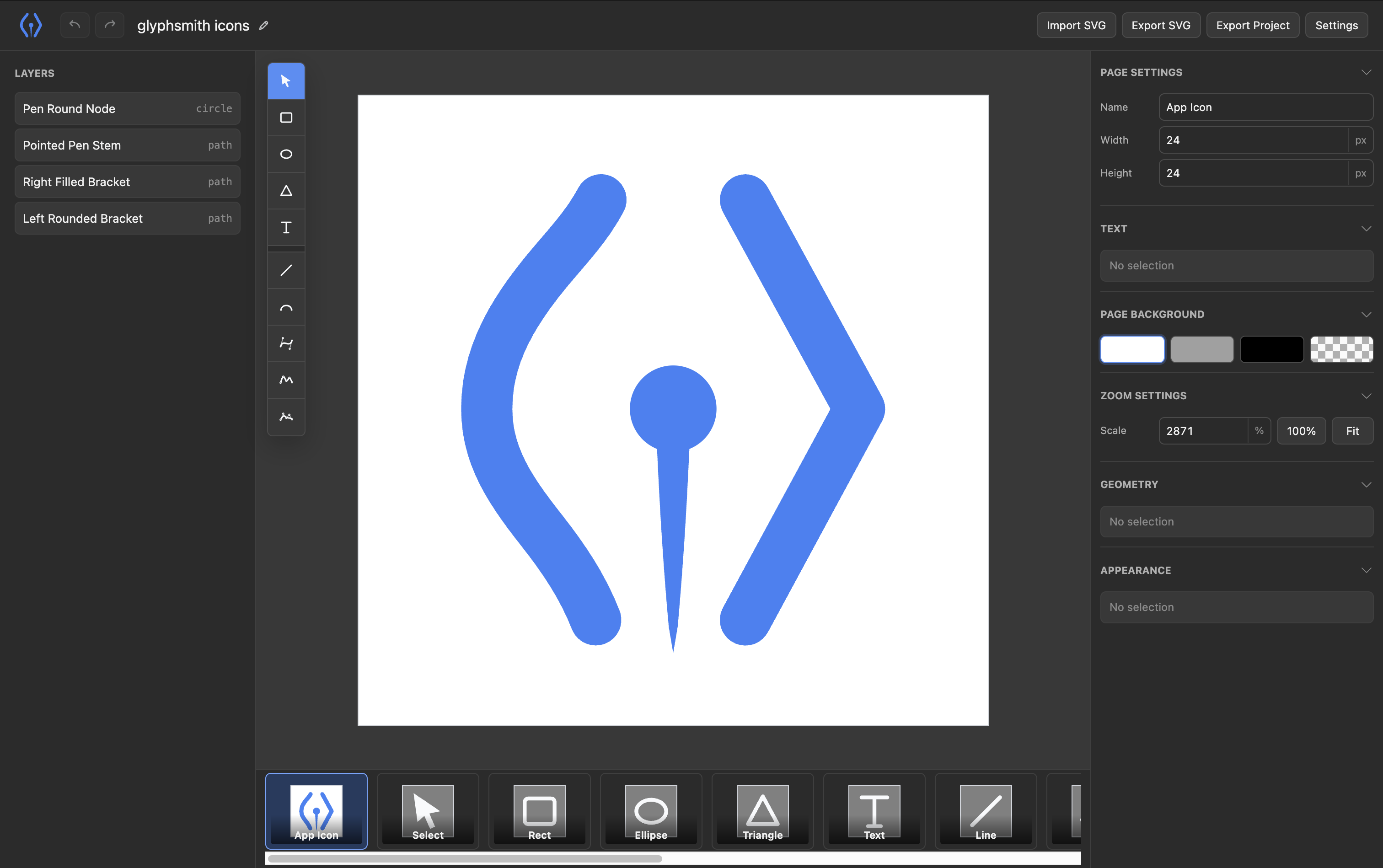
GlyphSmith 是一个为手动编辑和AI辅助编辑设计的SVG编辑器。
它不要求AI代理重写整个SVG字符串,而是将SVG导入几何AST,应用有针对性的补丁操作,只在边界导出SVG。
```txt
SVG
↓ 导入
几何AST
↓ 补丁操作
几何AST
↓ 导出
SVG
```
## 演示

## 状态
GlyphSmith处于早期开发阶段。当前的发布版本以CLI为优先,专注于本地编辑器会话、项目文件、SVG导出和基于MCP的AI工作流。
## 快速开始
安装GlyphSmith:
```sh
npm install -g glyphsmith
```
开始一个新项目:
```sh
glyphsmith my-logo
```
这将打开 `./my-logo.gs.json` 文件。如果文件不存在,GlyphSmith会自动创建它。
您也可以在不全局安装的情况下运行它:
```sh
npx glyphsmith my-logo
```
## AI工作流
GlyphSmith将几何AST作为真实数据源。AI代理应通过补丁操作或MCP工具修改项目,而不是重新生成SVG文件。
默认本地MCP端点:
```txt
http://127.0.0.1:6202/mcp
```
注册本地MCP端点:
```sh
glyphsmith mcp install codex --url http://127.0.0.1:6202/mcp
glyphsmith mcp install claude --url http://127.0.0.1:6202/mcp
```
安装GlyphSmith技能:
```sh
glyphsmith skills install codex
glyphsmith skills install claude
```
## 项目文件
GlyphSmith项目文件使用 `.gs.json` 扩展名,可以包含多个页面。一个页面映射到一个与SVG等效的几何AST文档。
示例:
```txt
examples/playground.gs.json
examples/glyphsmith.gs.json
```
CLI路径解析是确定的:
```txt
glyphsmith -> ./glyphsmith.gs.json
glyphsmith logo -> ./logo.gs.json
glyphsmith logo.gs.json -> ./logo.gs.json
```
如果解析的项目文件不存在,CLI会创建它并继续。
## 仓库布局
```txt
apps/
├ cli/ 本地主机,CLI入口,MCP协调
└ web/ SvelteKit编辑器UI
packages/
├ ast/ 几何AST定义
├ editor/ 可重用的编辑器交互逻辑
├ kernel/ 几何操作
├ mcp/ MCP服务器实现
└ svg/ SVG导入/导出
```
## README资产
README图像位于 `docs/images` 目录中。应用程序运行时资产位于 `apps/web/static` 目录中。
当前README资产:
```txt
docs/images/app-icon.svg
docs/images/glyphsmith-demo.gif
docs/images/editor.png
```
## 开发工作流
安装依赖:
```sh
pnpm install
```
从此仓库运行GlyphSmith:
```sh
pnpm run build:cli
node apps/cli/dist/index.js my-logo
```
运行默认开发项目:
```sh
pnpm run dev
```
开发默认值:
```txt
项目: examples/playground.gs.json
UI: http://localhost:6201
主机: ws://localhost:6202/ws
MCP: http://localhost:6202/mcp
```
运行官方GlyphSmith图标项目:
```sh
pnpm run dev:icons
```
### 导出图标
将图标项目导出到Web应用程序静态目录:
```sh
pnpm run export:icons
```
生成的SVG文件写入:
```txt
apps/web/static/icons
```
再次运行该命令会覆盖生成的图标输出。
### 打包
构建可发布的CLI包:
```sh
pnpm run build:cli
```
创建本地npm tarball进行检查:
```sh
pnpm run pack:cli
```
该包写入 `artifacts/npm` 目录,包含捆绑的CLI、构建的Web UI和GlyphSmith技能。
 MCP 市场
